A query can use the right index and still do extra I/O. The real win happens when MySQL never has to leave the index.
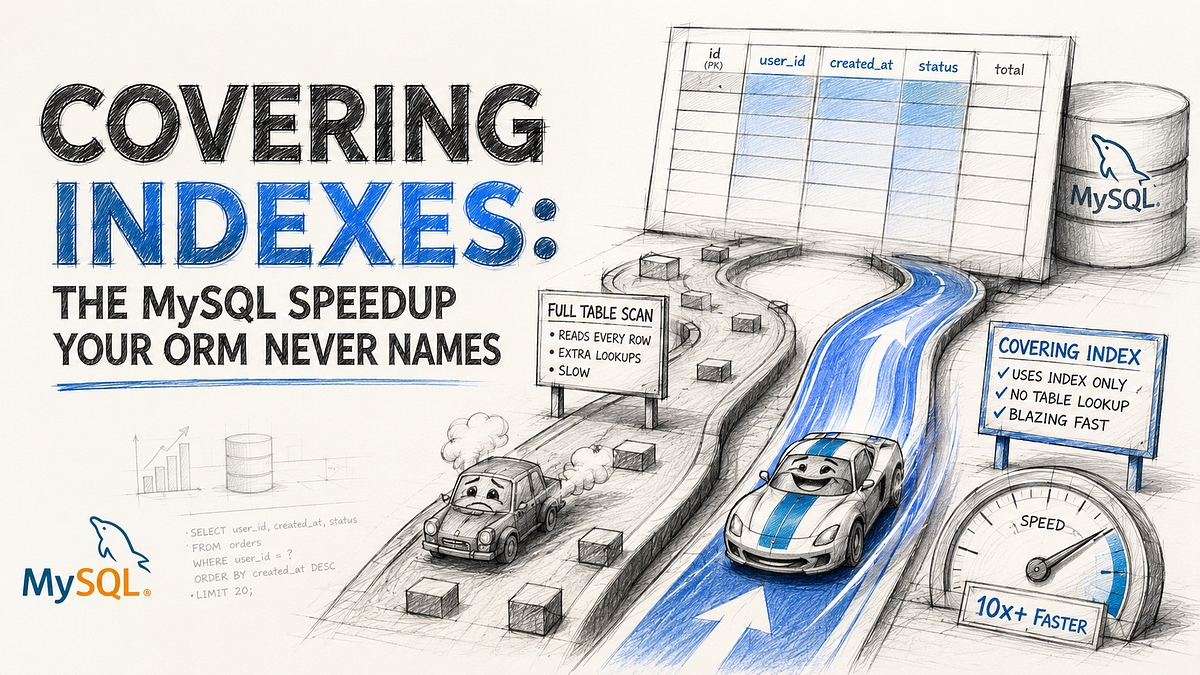
The frustrating query is not the one doing a full table scan. That one confesses immediately. The annoying one is the query that already “uses an index”, already looks respectable in EXPLAIN and still starts dragging once the table grows from polite to real.
You see it in feeds, dashboards, admin tables, payout history, audit logs. The lookup columns are indexed, the sort column is indexed and the ORM query still looks innocent. Yet the database box stays busy because MySQL is still doing one more trip per qualifying row. That second trip is the part most teams do not name clearly enough.
That is where covering indexes matter.
This is not a trick for query-plan collectors. It is a simple storage fact with an expensive consequence: MySQL can find candidate rows through a secondary index, then still go back to the clustered row for the columns you selected. If the index already contains everything the query needs, that second read disappears. Same filter. Same sort, but less work per row.
Using an index is not the same as finishing in the index
Most MySQL performance discussions stop at “add an index”. Useful advice, but incomplete.
In InnoDB, the primary key is the clustered index. That means the table data lives with the primary key order. Secondary indexes are separate structures. They help MySQL find rows fast, but each secondary index entry also carries the primary key value so InnoDB can jump from that secondary index entry back to the clustered row.
That jump is the hidden cost.
If your query says:
SELECT id, status, created_at, total_amount
FROM orders
WHERE customer_id = 42
  AND status = 'paid'
ORDER BY created_at DESC
LIMIT 20;
and you created this index:
CREATE INDEX idx_orders_customer_status_created
ON orders (customer_id, status, created_at);
you solved part of the problem. MySQL can use the index to locate the right customer, filter on status and walk the rows in created_at order.
But the query still asks for total_amount. If total_amount is not in the index, MySQL still has to visit the clustered row for each qualifying entry. At small scale, fine. At feed-scale, log-scale, or dashboard-scale, that extra lookup becomes the cost center.
The key idea is simple:
- An index can help MySQL find rows.
- A covering index lets MySQL finish the query from the index itself.
Those are not the same thing.
Which is fine, until your application starts making that extra row lookup tens of thousands of times a minute.
What a covering index actually covers
A covering index is not a special MySQL feature you turn on. It is just an index that already contains every column the query needs for filtering, sorting and returning the result set.
If a query only needs columns that are already present in one index, MySQL can answer from the index tree without consulting the table rows. That is the whole win.
Here is the useful nuance people miss: in InnoDB, a secondary index record already contains the primary key value. So a query can still be covered even when it selects the primary key, as long as every other selected column also lives in that secondary index.
That means this query can often be covered by the earlier index:
SELECT id, status, created_at
FROM orders
WHERE customer_id = 42
  AND status = 'paid'
ORDER BY created_at DESC
LIMIT 20;
Why? Because customer_id, status and created_at are explicit index columns. id comes along because InnoDB stores the primary key inside each secondary index record.
That is a much better mental model than “indexes speed things up”. More precise. More useful.
The easiest mistake is SELECT *
This is where ORMs quietly sabotage otherwise good indexing decisions.
Your filter can be perfect. Your composite index can be sensible. Your sort order can align with the index. Then the ORM asks for every column because the default query path materializes the full model.
Now the query is no longer coverable.
You did the hard part, then paid the clustered-read tax anyway.
In Laravel, the practical rule is boring and effective: if the screen only needs five fields, select five fields. Not the whole row. Not every JSON column. Not the giant notes blob because “we might need it later”.
For a read path that only needs a narrow shape, keep it narrow:
use Illuminate\Support\Facades\DB;

$orders = DB::select(
    'select id, status, created_at
     from orders
     where customer_id = :customer_id
       and status = :status
     order by created_at desc
     limit 20',
    [
        'customer_id' => $customerId,
        'status' => 'paid',
    ]
);
This is not anti-ORM advice. It is anti-laziness advice.
When you are building a detail page, fetch the whole row. When you are building a dashboard card, queue preview, activity feed, billing list, or admin table, stop pretending the query needs everything. It usually does not.
Using index and Using index condition are not the same message
This distinction is worth learning because it changes how you read EXPLAIN.
When MySQL shows Using index, it means the engine retrieved the needed column information directly from the index tree without an additional seek to the actual row.
When MySQL shows Using index condition, that is different. MySQL is using index tuples to filter early, but it may still need to read full rows from the table. Better than a blind scan, yes. Still not index-only.
That difference explains a lot of confusing “but it already uses the index” conversations.
Consider this before-and-after:
Before
- The filter and sort already line up with the index.
- Query also selects total_amount, currency, payment_reference and notes.
- EXPLAIN shows the composite index in key.
- Latency improves a bit, but storage reads stay higher than expected.
After
- The list query only asks for id, status and created_at.
- The same composite index now covers the query.
- EXPLAIN can show Using index.
- The detail page loads the full row only when the user opens one order.
Same data model and same business feature, but a very different read shape.
This is why a covering index is often an application-design win as much as a database win. You are not only adding an index. You are deciding which query deserves to stay narrow.
Composite order matters more than most people admit
Covering is not just about stuffing extra columns into an index and hoping for mercy.
Column order still matters because MySQL uses B-tree indexes according to their leftmost structure. If your hottest query filters by customer_id, then status, then sorts by created_at, the index should reflect that access path:
CREATE INDEX idx_orders_customer_status_created
ON orders (customer_id, status, created_at);
If you build this instead:
CREATE INDEX idx_orders_created_status_customer
ON orders (created_at, status, customer_id);
you may still have an index, but it no longer lines up with the way the query narrows the search space.
This is where engineers overcorrect. They hear “covering index” and start appending columns to whatever index already exists. That produces a wide index with weak selectivity and extra write cost. A better approach is to design one index around one important query family, then prove it with EXPLAIN.
The question is not “can I put every useful column into one giant index?”
The question is “which query path deserves its own fast lane?”
The speedup is real, but the write cost is real too
A covering index is not free. It often improves read performance by removing clustered-row lookups, but it also makes the index itself wider and more expensive to maintain.
That trade-off is where senior judgment starts.
Read-side win
- Fewer trips from secondary index to clustered row
- Less random I/O on hot list queries
- Better cache efficiency when the result shape is small
Write-side tax
- Inserts and updates must maintain a larger index
- Wider secondary indexes eat more memory and disk
- Hot write paths can slow down if you cover too many columns
Primary-key tax
- InnoDB stores the primary key inside each secondary index record
- Long primary keys make every secondary index larger
- This cost grows faster when the primary key is long.
Modeling tax
- A covering index built for one query can become pointless if the UI later adds extra columns
- If product keeps changing the list shape every sprint, the index can drift out of usefulness
This is why I do not treat covering indexes as “always add more columns”. The better rule is narrower:
- Cover high-frequency read paths first
- Avoid covering low-value admin queries
- Be suspicious of adding large text columns just to make EXPLAIN look prettier
An index that saves 8 ms on a query nobody cares about is not an optimization. It is index debt.
Where this pays off fastest in Laravel applications
Laravel apps accumulate the same query shapes over and over:
- Recent orders per customer
- Latest notifications per user
- Audit trail rows for one entity
- Pending jobs for one queue lane
- Payout history for one vendor
These are usually small-list queries with predictable filters and a stable sort order. Perfect candidates for covering indexes.
They also tend to suffer from the same anti-pattern:
- select *
- model hydration for columns the page never renders
- one generic repository method reused for list pages and detail pages
The fix is not glamorous.
Split the read paths.
Use one narrow query for the list page. Use a separate query for the detail view. Let the list path stay coverable. Let the detail path do the heavier read only when the user actually asks for it.
This feels like extra application code. It is. It is also usually cheaper than scaling the database to compensate for lazy query shapes.
A decision framework that keeps you honest
When I suspect a covering index is worth it, I use a short checklist:
- Identify the exact hot query, not the table in general.
- List the filter, sort and return columns separately.
- Check whether one composite index can satisfy the filter order and the sort order.
- Trim the selected columns until the result shape matches what the screen or job really needs.
- Confirm with EXPLAIN whether the plan moves from “index helps find rows” toward “index can answer the query”.
- Re-check the write cost before shipping another wide index into a write-heavy table.
If the query runs constantly and returns a narrow payload, a covering index is often worth the maintenance.
If the query is rare, unstable, or keeps expanding its selected columns, it usually is not.
That last part matters. Some optimizations fail not because the database rejected them, but because the product shape would not sit still long enough for the optimization to stay valid.
The surprising part is what you should remember
The useful mental shift is this: the best index is not always the one that finds the row fastest. It is often the one that lets MySQL avoid reading the row at all.
That is why covering indexes feel disproportionate when they work. You are not shaving a little CPU off an already-correct plan. You are deleting a whole class of lookups from a hot path.
If your EXPLAIN plan already shows a sensible key and the query is still heavier than it should be, stop asking only whether MySQL is using an index. Ask whether it can finish inside the index.
That is usually the question that finally gets the latency graph to behave.


